Self-hosted photo management
A photo library that lives on top of your own files
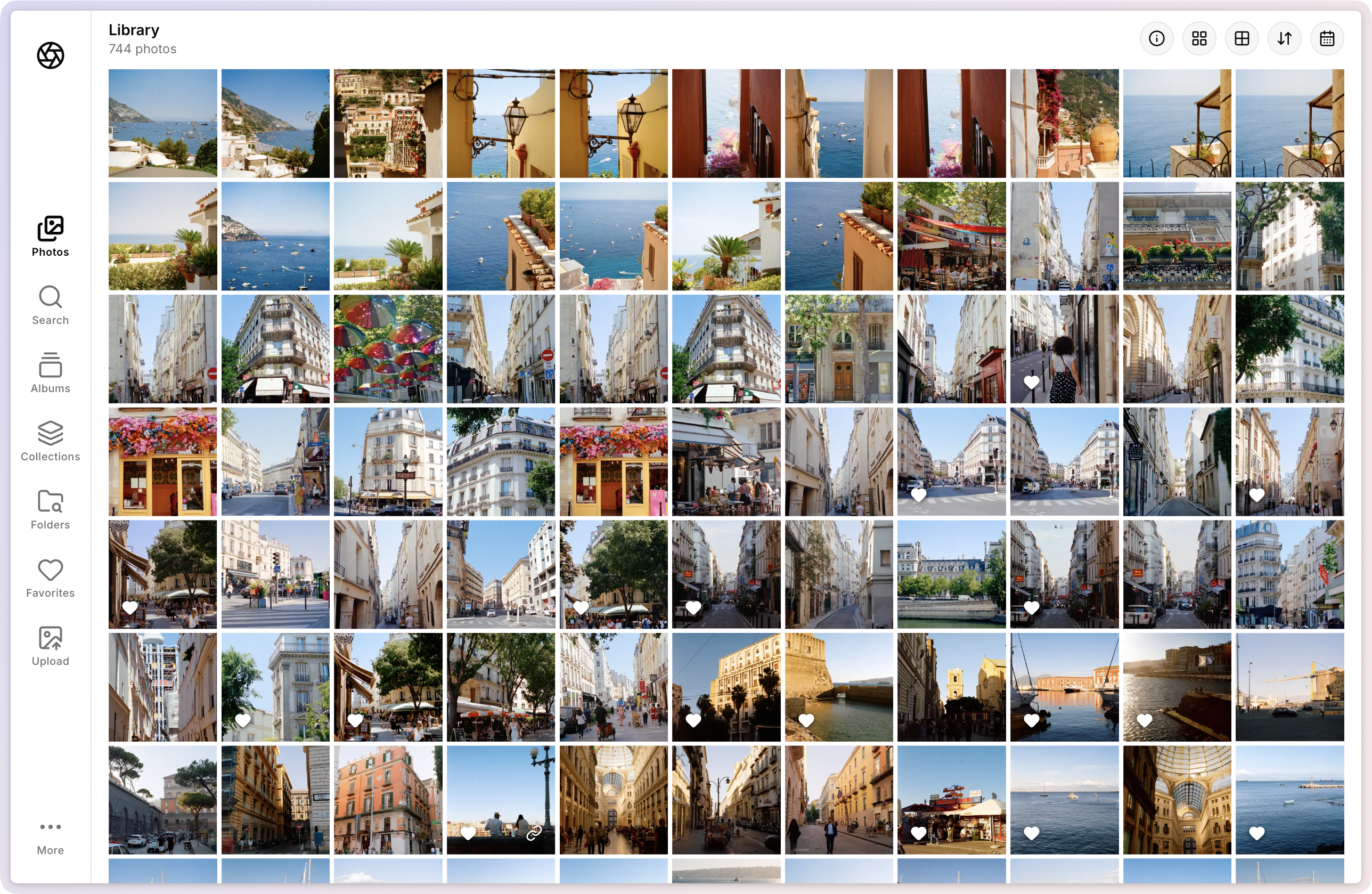
Point Lumio at a folder. It watches the filesystem, indexes every image, and gives you albums, metadata search, and a non-destructive editor — while your originals stay exactly where they are.
JPEG · PNG · WebP · TIFF · JXL · HEIC/HEIF—Display P3 end-to-end
01 / How it works
One direction of flow. Zero lock‑in.
Lumio splits cleanly between the thing that reads your disk and the thing that serves the UI. Everything derived — index, thumbnails, renditions — is regenerable and disposable.
filesystem
Your folders
Drop files in, move them, delete them — on disk, with any tool. The layout stays yours; nothing is imported into a vault.
worker
The worker
Scans once, then watches. Decodes pixels, reads EXIF, hashes content, and renders thumbnails into a disposable cache.
postgres
The index
Every photo record lands in Postgres. It's an index, not a silo — your pixels never live in the database.
web
The interface
Grid, search, albums, uploads, and the editor — a fast web UI reading from the index and serving your renditions.
02 / The library
Organized without moving a single file
Albums, folders, favorites, color labels — layered on top of the real directory tree, never instead of it.
Find anything by its metadata
Camera, lens, ISO, aperture, capture date, GPS — one predicate engine searches every EXIF field, with filter chips and @-mention autocomplete. Save a search, turn it into an album.
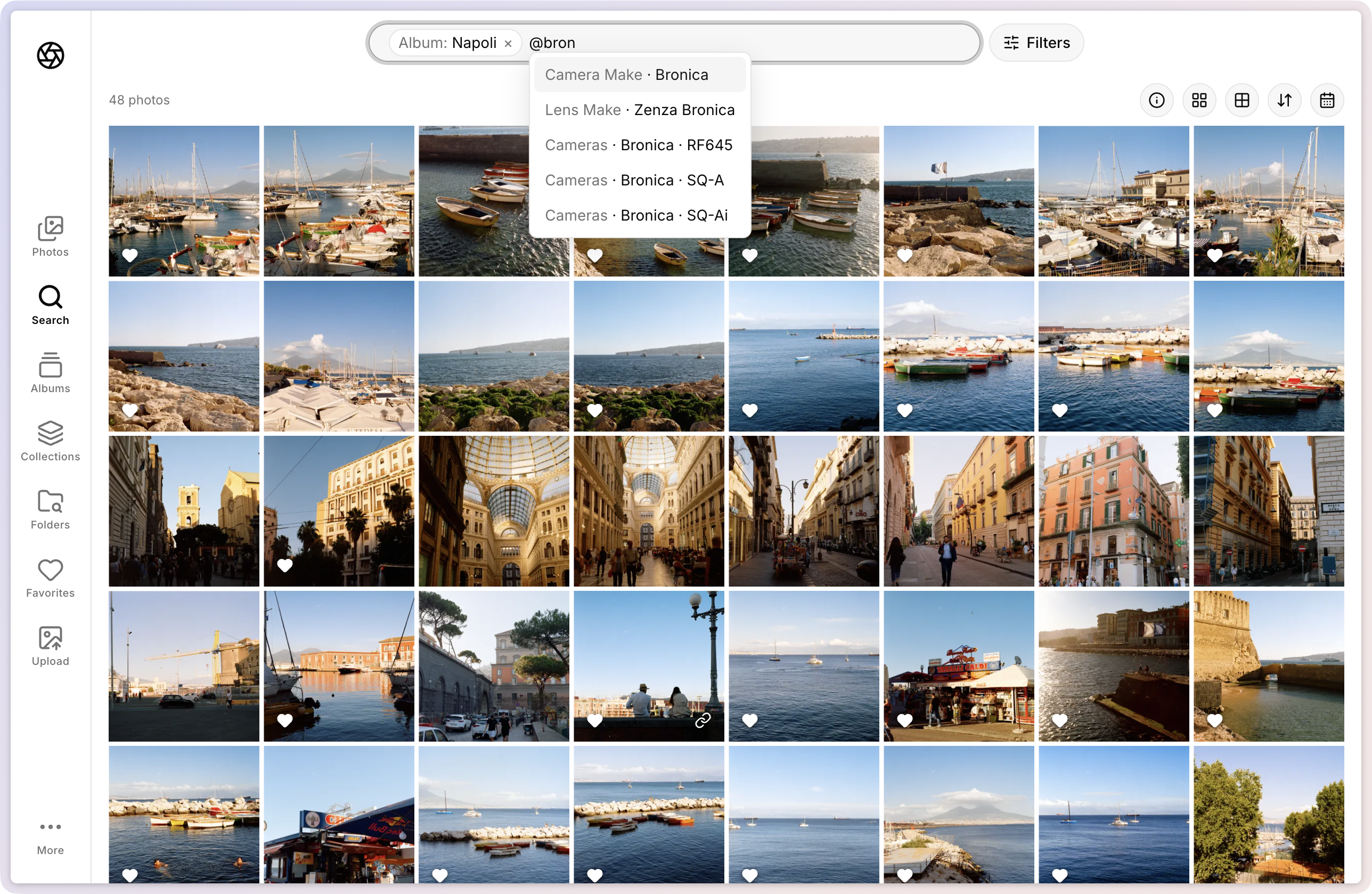
Albums that build themselves
Smart albums auto-populate from rules on any field — and stay current as photos arrive.
Fields you define
Per-catalog custom metadata — film stock, developer, scan rig — batch-edited across selections.
Film
- Film Stock
- Kodak Gold 200
- Film ISO
- 200
- Scan Method
- Camera scan
- Developed At
- Lab
Editing 14 selected — changes apply to all.
Several libraries, one install
Independent catalogs — each with its own folder, albums, and edits.
Comfortable in the dark
A fast, keyboard-friendly grid with masonry and grid views — and a proper dark mode.
also: drag-and-drop uploads with de-duplication · soft-delete trash · favorites · storage stats · activity log
03 / The editor
Develop, don’t destroy
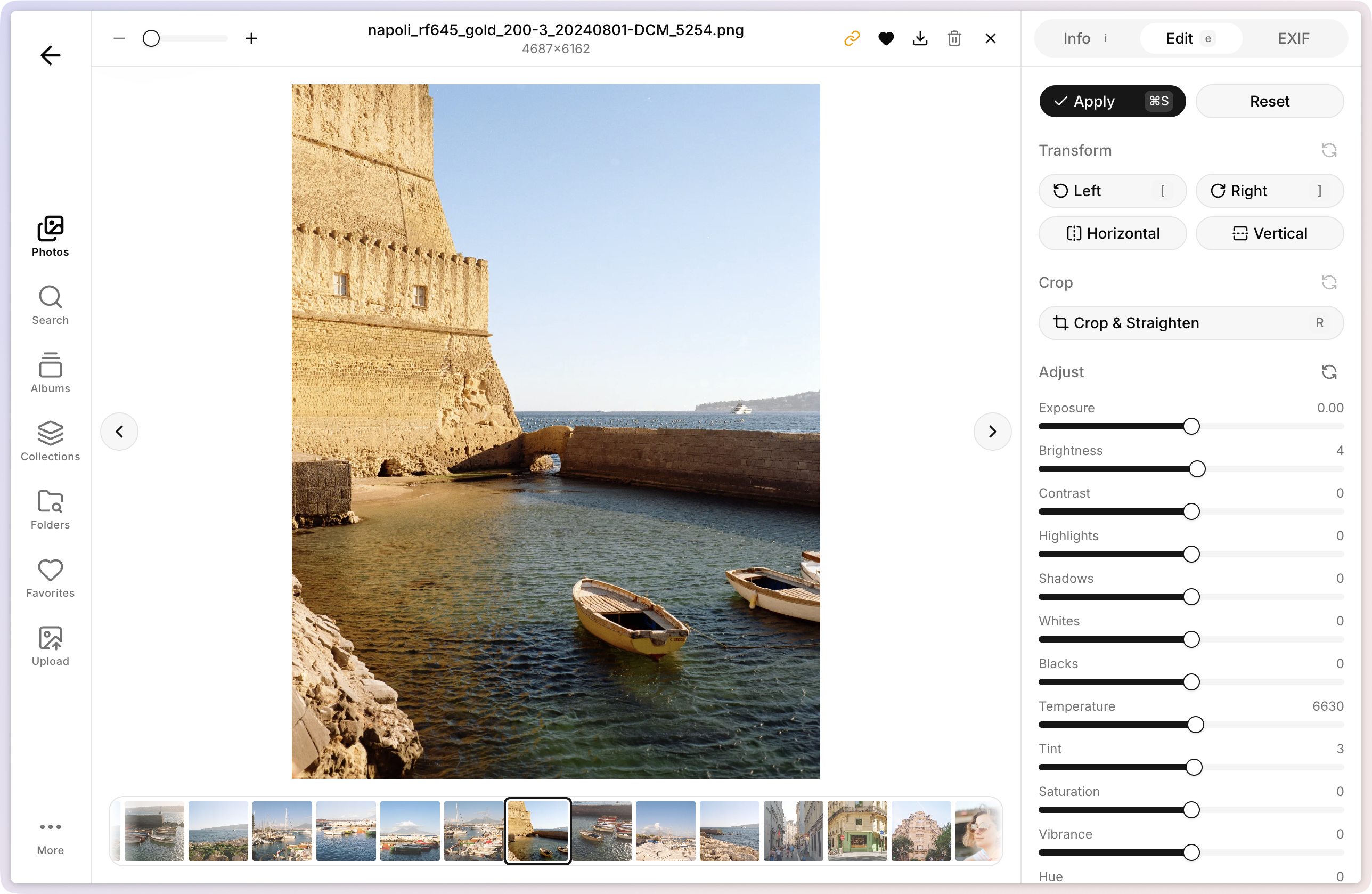
A GPU-accelerated editor with a Lightroom-style panel. What you see in the preview is exactly what gets baked — same shared color model, pixel for pixel. Adjustments are stored as values, your original file is never touched.
- Exposure
- Contrast
- Highlights
- Shadows
- Whites
- Blacks
- Temp (K)
- Tint
- Tone curves
- Saturation
- Vibrance
- Sharpening
- Noise reduction
- Grain
- Crop & straighten
04 / The deal
No import. No vault. No lock‑in. The database is an index, the thumbnails are a cache — both disposable. Turn Lumio off tomorrow and your library is exactly the folder tree you started with.
05 / Self-host
Up and running before the kettle boils
Download the compose file, set a few environment variables, and point the media root at your photos. Guides cover Docker Compose and Portainer.
Two containers + Postgres
web serves the UI, worker reads the disk. Compose file in, library out.
Runs where your photos live
A NAS, a home server, an old laptop in a closet — any box you control.
Yours end to end
No cloud account, no subscription, no telemetry. Auth with passkeys and 2FA built in.
# 1. grab the stack
$ curl -LO lumio/docker-compose.yml

# 2. tell it where your photos are
$ echo "MEDIA_ROOT=/volume1/photos" >> .env

# 3. lights on
$ docker compose up -d

✓ web · worker · postgres running
→ watching /volume1/photos · 12,482 photos indexed